Show a campaign to visitors at the moment you choose
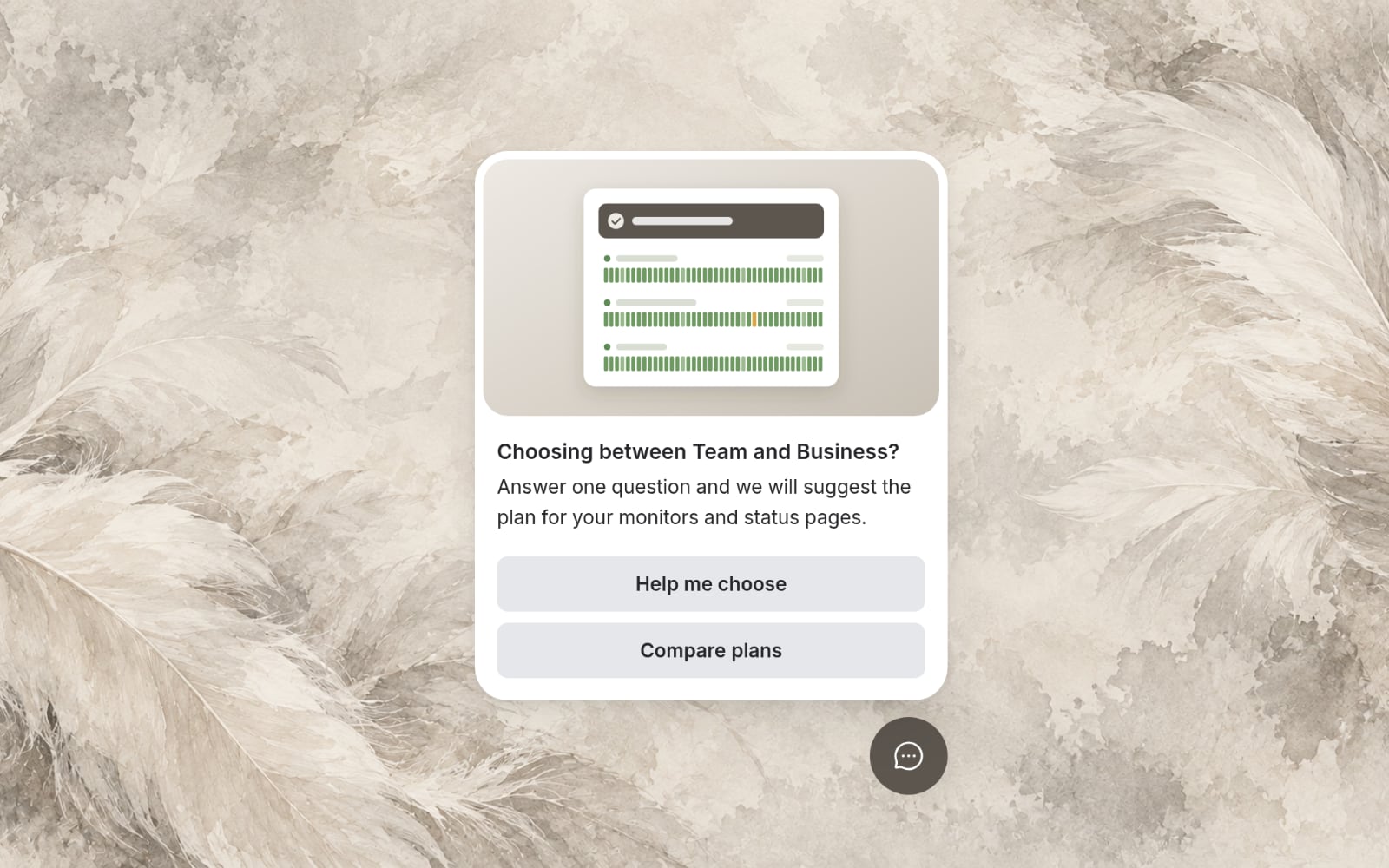
Campaigns show a card to the visitors and pages you choose, at the moment you set, and can lead into a conversation with Aiva or your team.
Campaigns built as steps
Lay out a campaign on a canvas: a card, its buttons and where each button leads, up to a conversation.
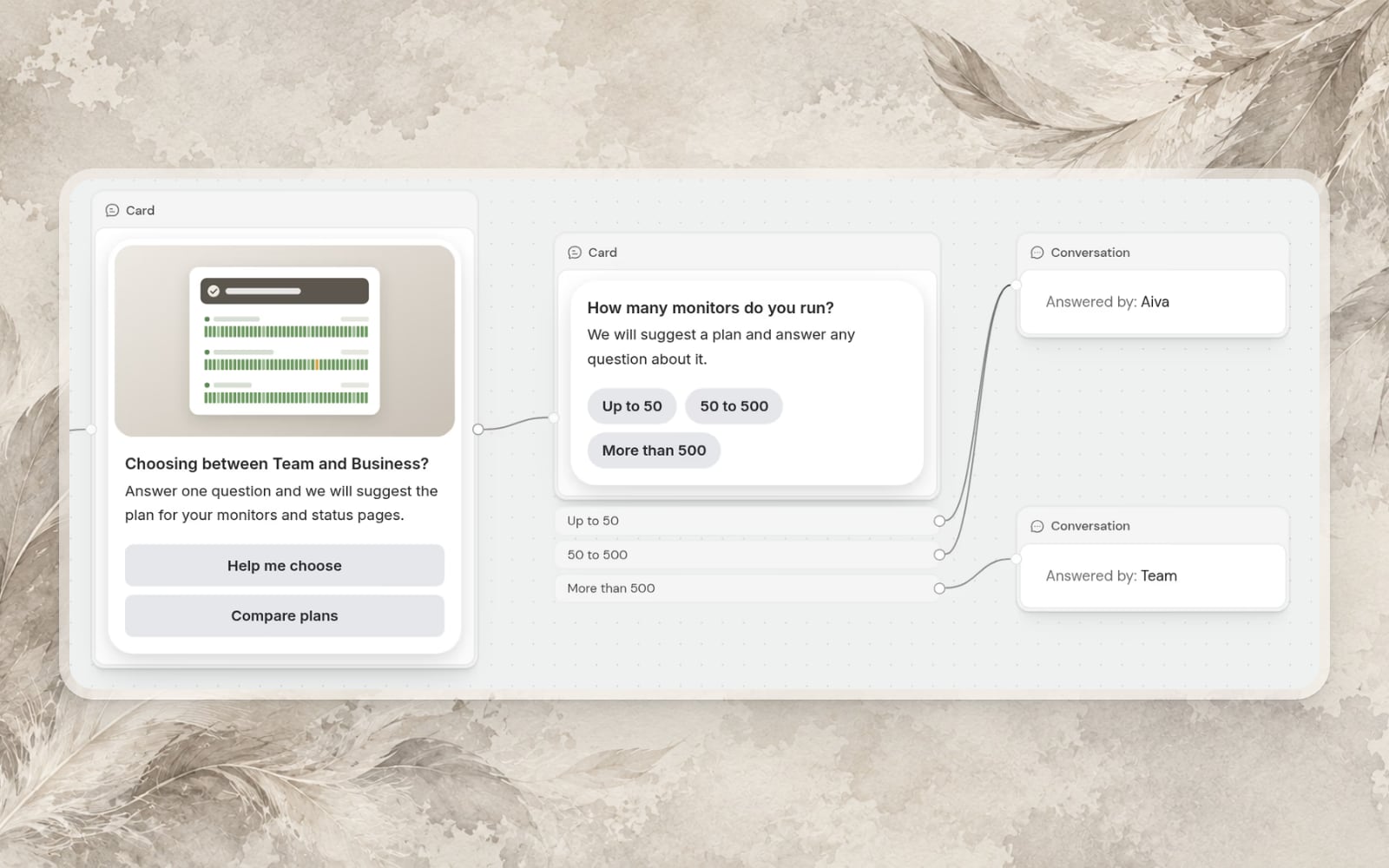
Your existing proactive messages became campaigns and kept their history.
The visitors, the pages and the moment
Choose who sees a campaign and on which pages, and show its card at the moment you pick, such as when a visitor is about to leave.
Events from your website
Record what visitors do on your website with one line of JavaScript, and use those events to show a campaign or to measure its goal.
Lire le guideAméliorations
- Goals and resultsGive a campaign a goal and follow how many visitors saw the card, opened it and reached the goal.
- Satisfaction ratings on more channelsCustomers rate a resolved conversation in Webchat, on Discord, on Telegram and by email.
- Screenshots from WebchatCustomers can attach a screenshot of the page they are on.
- Webchat in your own wordsWrite Webchat’s greeting, launcher label and other texts yourself.