Live chat on your website, answered by Aiva and your team
Aiva answers from your articles on every page, and your team replies in the same thread when Aiva hands over.

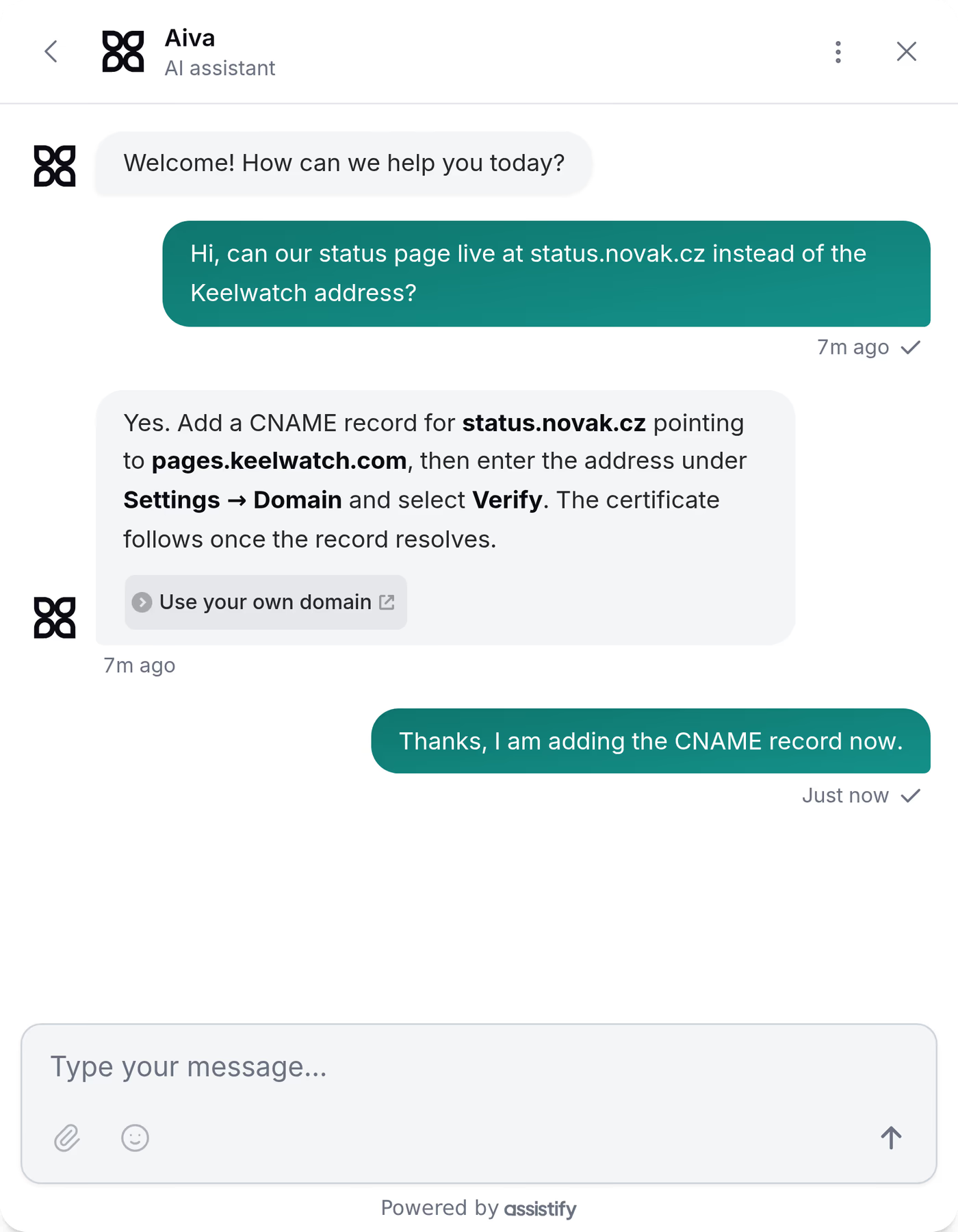
Choose how Webchat opens
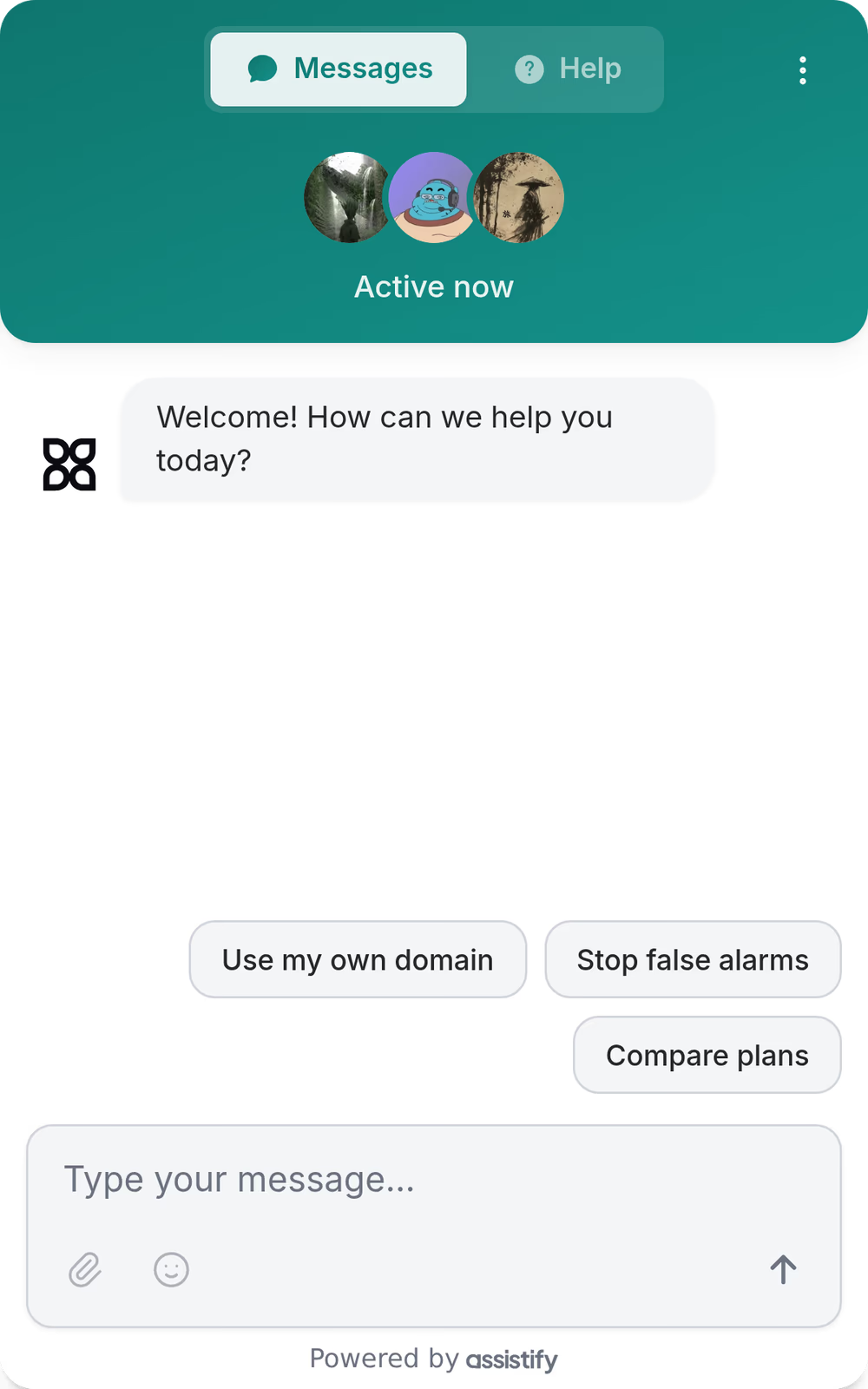
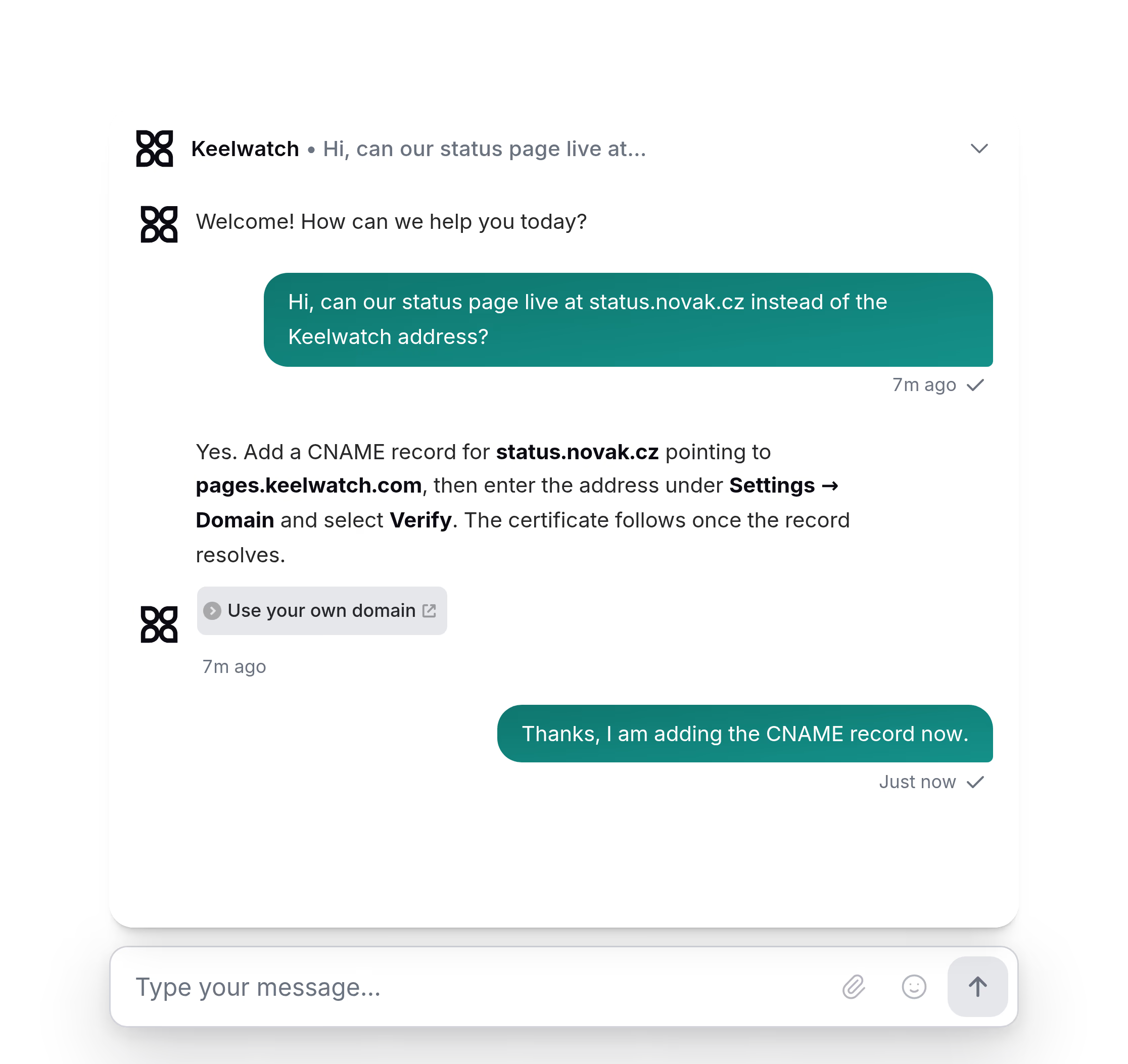
Classic opens on a home screen with your articles, Chat opens on the conversation, and Landing stands as a bar at the bottom of your page. Each takes your colors, your logo and your typeface.

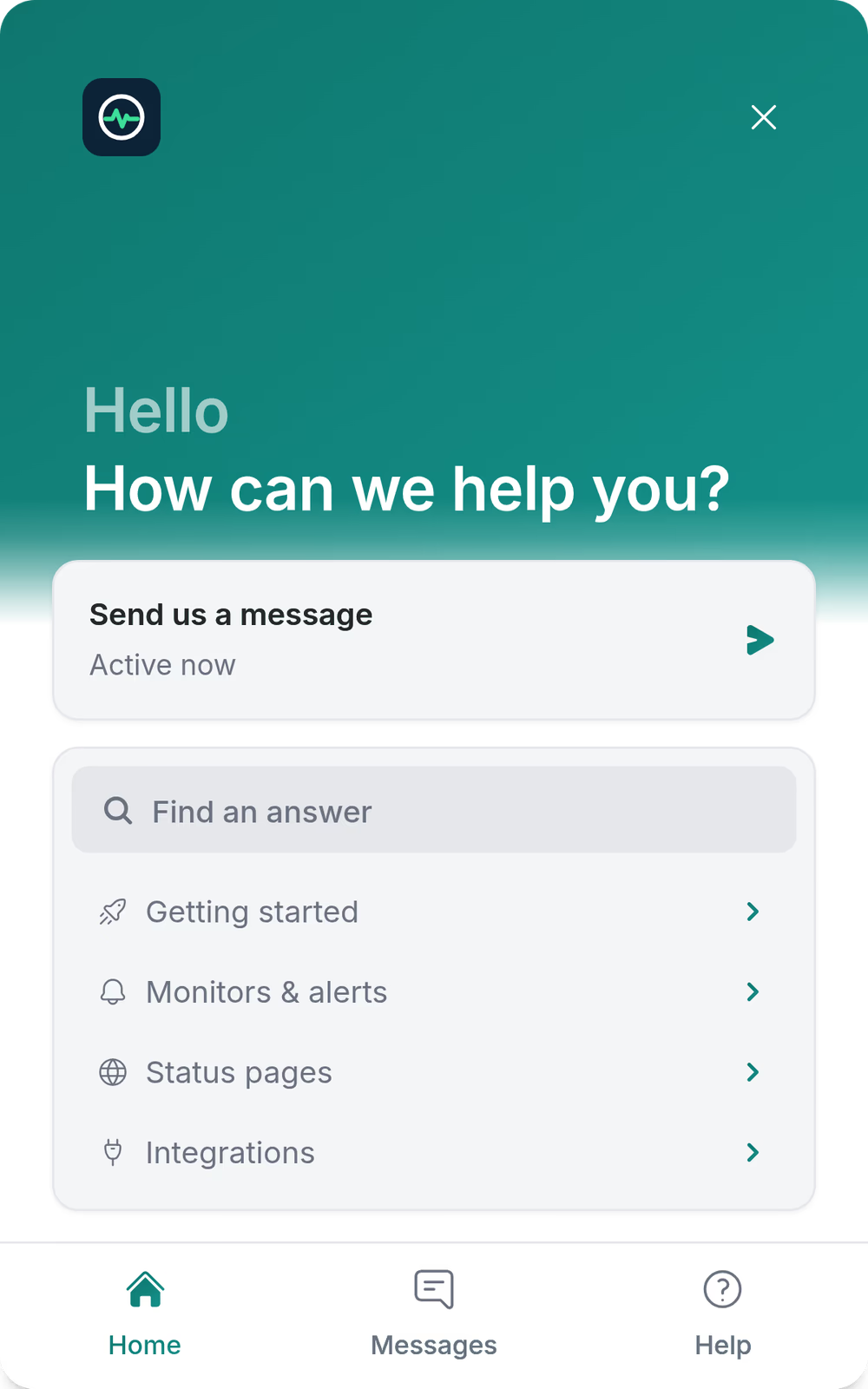
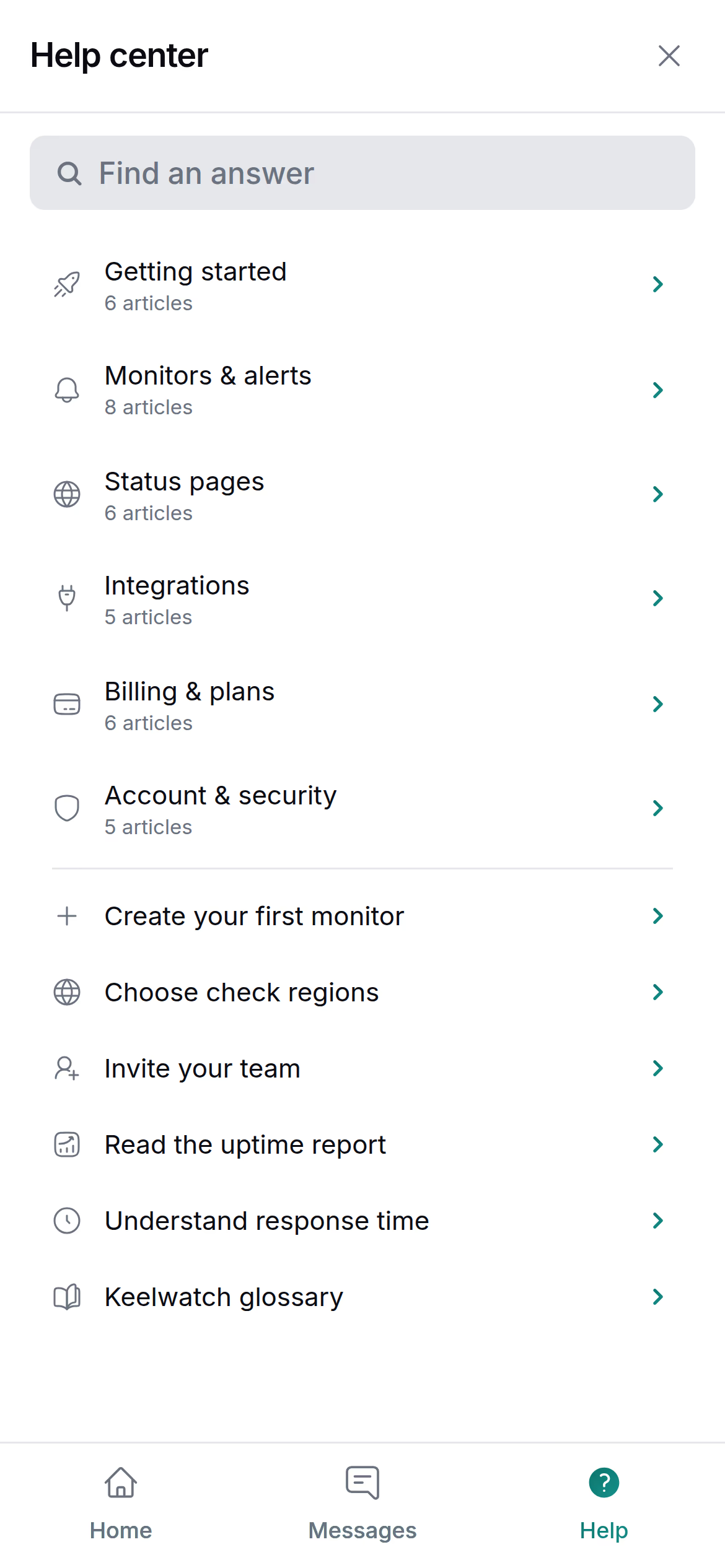
Your articles inside Webchat
Customers search the same articles Aiva answers from and read them without leaving the page.
The articles come from your knowledge base, which also publishes your help center. See the knowledge base

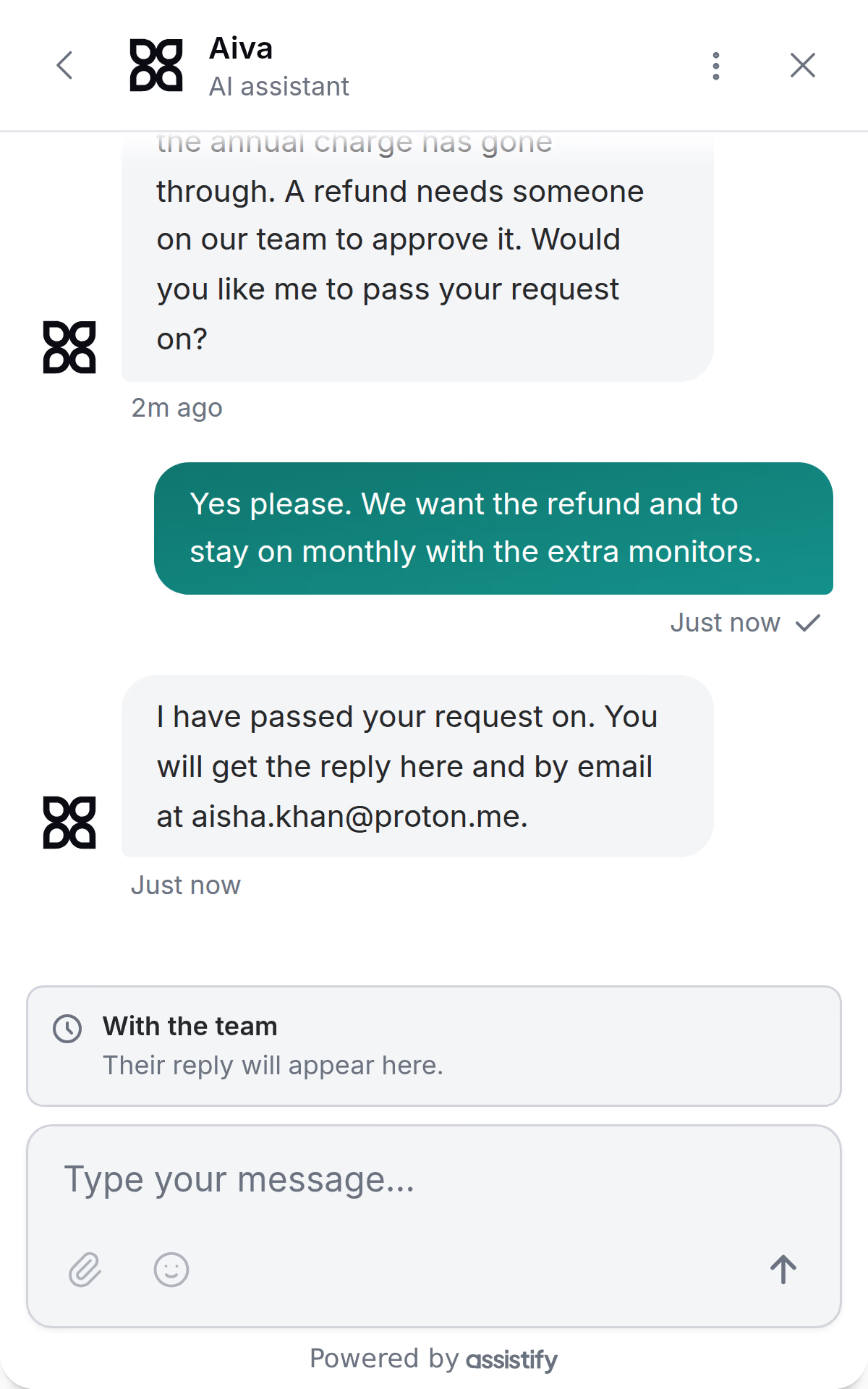
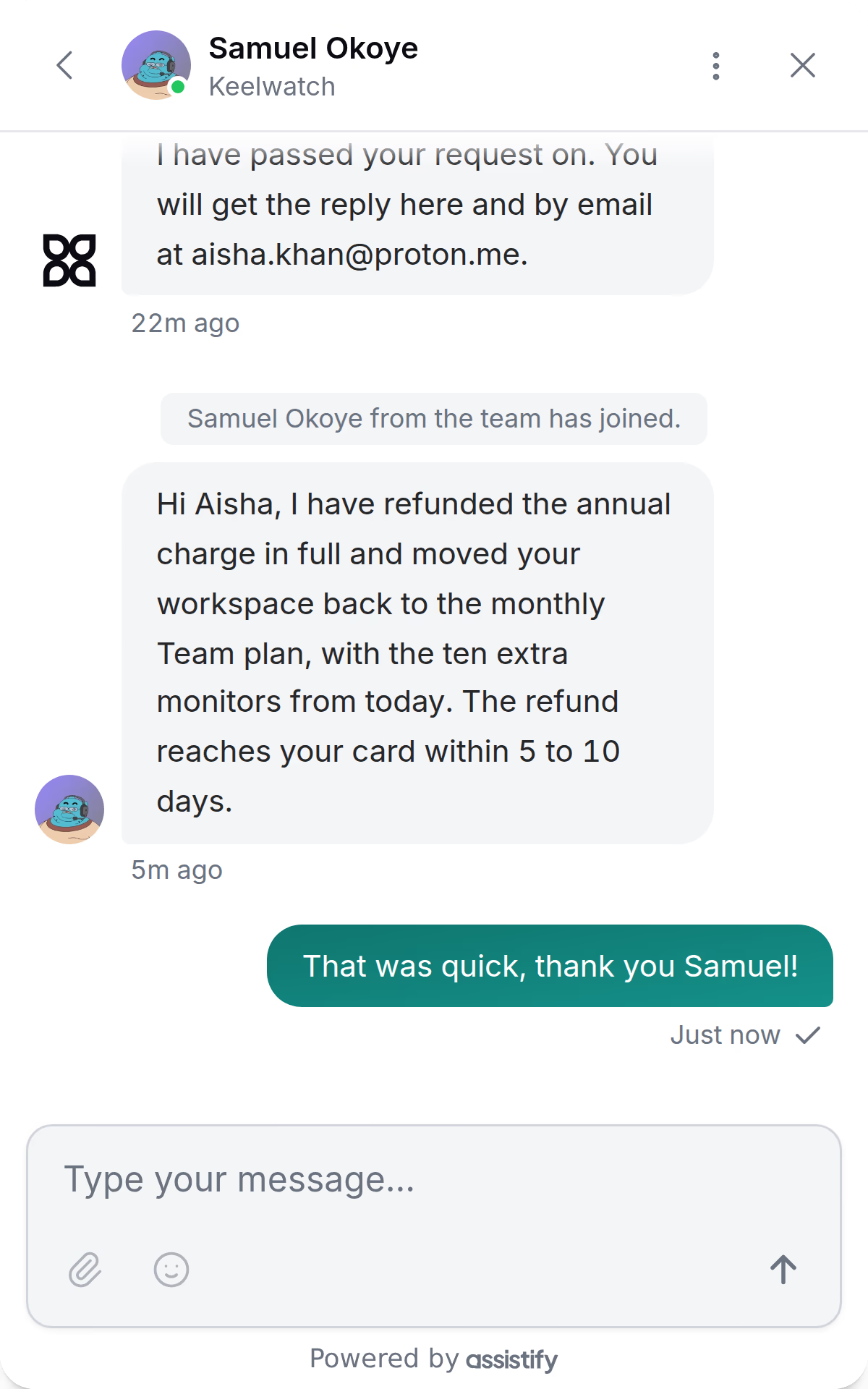
Aiva and your team share one thread
When a request needs a person, Aiva tells the customer and passes it to your team. The reply arrives in the same thread, and by email if the customer has left your website.

Your team works the handover from the inbox. See the inbox
Webchat in your customer’s language
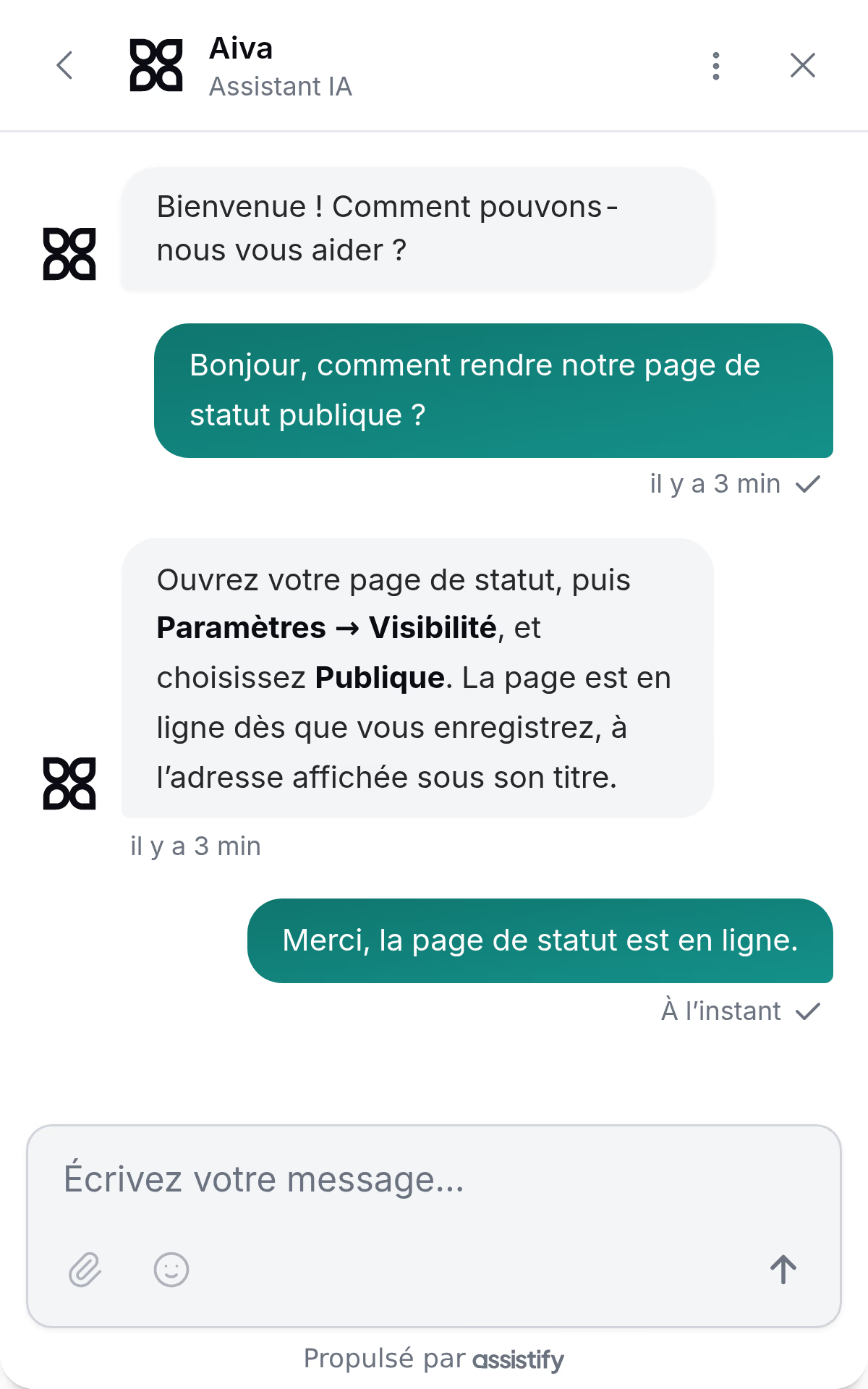
Webchat’s words follow each visitor’s browser in 27 languages, and Aiva answers in the language the customer writes in.

Start conversations on the pages you choose
A campaign shows a card to the visitors you pick, at the moment you set, and Aiva answers the visitors who reply. Reports count the visitors who reach each campaign’s goal.

Install Webchat with one script
Paste the script into any website, or follow the steps for Shopify and 6 other platforms.
Guides for Shopify, SellAuth, SellHub, Sell.app, Invision Community, Shoppex, and Komerza.
<script
  src="https://assistify.chat/widget/widget.js"
  data-widget-id="7c41e09ab35d28f6"
  async
></script>import { mount } from '@assistifychat/widget';
mount({ widgetId: '7c41e09ab35d28f6' });Webchat details
- Look
- Classic, Chat or Landing, light or dark, solid or glass, with your colors, logo, typeface and corner radius.
- Signed-in customers
- Your website can sign customers in to Webchat with an identity secret, and visitors can identify with their email or their Discord account.
- Files
- Customers send images and documents in the conversation.
- Several websites
- Each website can have its own Webchat, with its own look, domains and campaigns.
- Help center
- Webchat is the contact on the help center Assistify hosts for you.
- Live visitors
- Your team sees who is on your website and the page each visitor is reading.
- Developers
- Install Webchat from npm with @assistifychat/widget in React, Next.js, Vue or any other app.
Questions about Webchat
Does Webchat work on any website?
Yes. The script works on any website where you can add HTML, and the install guide has steps for Shopify, SellAuth, SellHub, Sell.app, Invision Community, Shoppex, and Komerza.
Can Webchat run without Aiva?
Yes. With Aiva switched off, Webchat is live chat with your team, and every conversation still reaches the inbox.
Which languages does Webchat speak?
Webchat’s interface comes in 27 languages and follows each visitor’s browser. Aiva answers in the language the customer writes in.
Can a customer stay signed in?
Yes. Your website passes the signed-in customer to Webchat, verified with an identity secret. Aiva and your team then know who is writing.
Can I run Webchat on several websites?
Yes. Each website can have its own Webchat with its own look, domains and campaigns, and every conversation reaches the same inbox. Your plan sets how many Webchats you can create.
Does Webchat work on phones?
Yes. On a phone Webchat opens full screen, with the same home screen, help articles and conversations.
Other channels
Telegram, Discord and the Aiva API reach the same inbox as Webchat.