Channels
Answer customers on your website and in their messaging apps
Aiva, your AI agent, answers with the same knowledge on each channel you connect, and your team replies to every customer from one inbox.
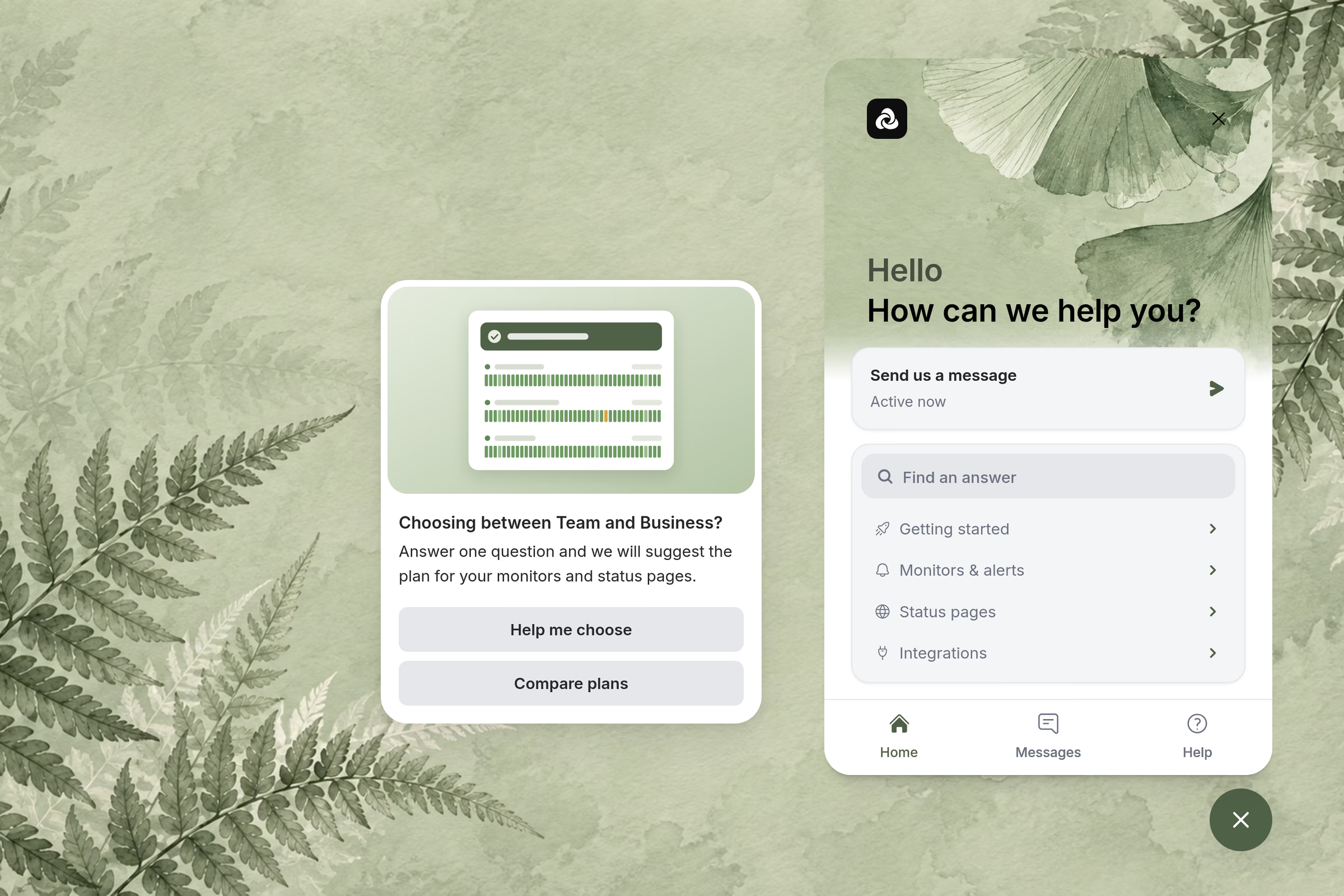
Webchat
Answer customers on your website and help center
Customers read your articles or ask Aiva without leaving the page, and campaigns start the conversation on the pages you choose.
Telegram
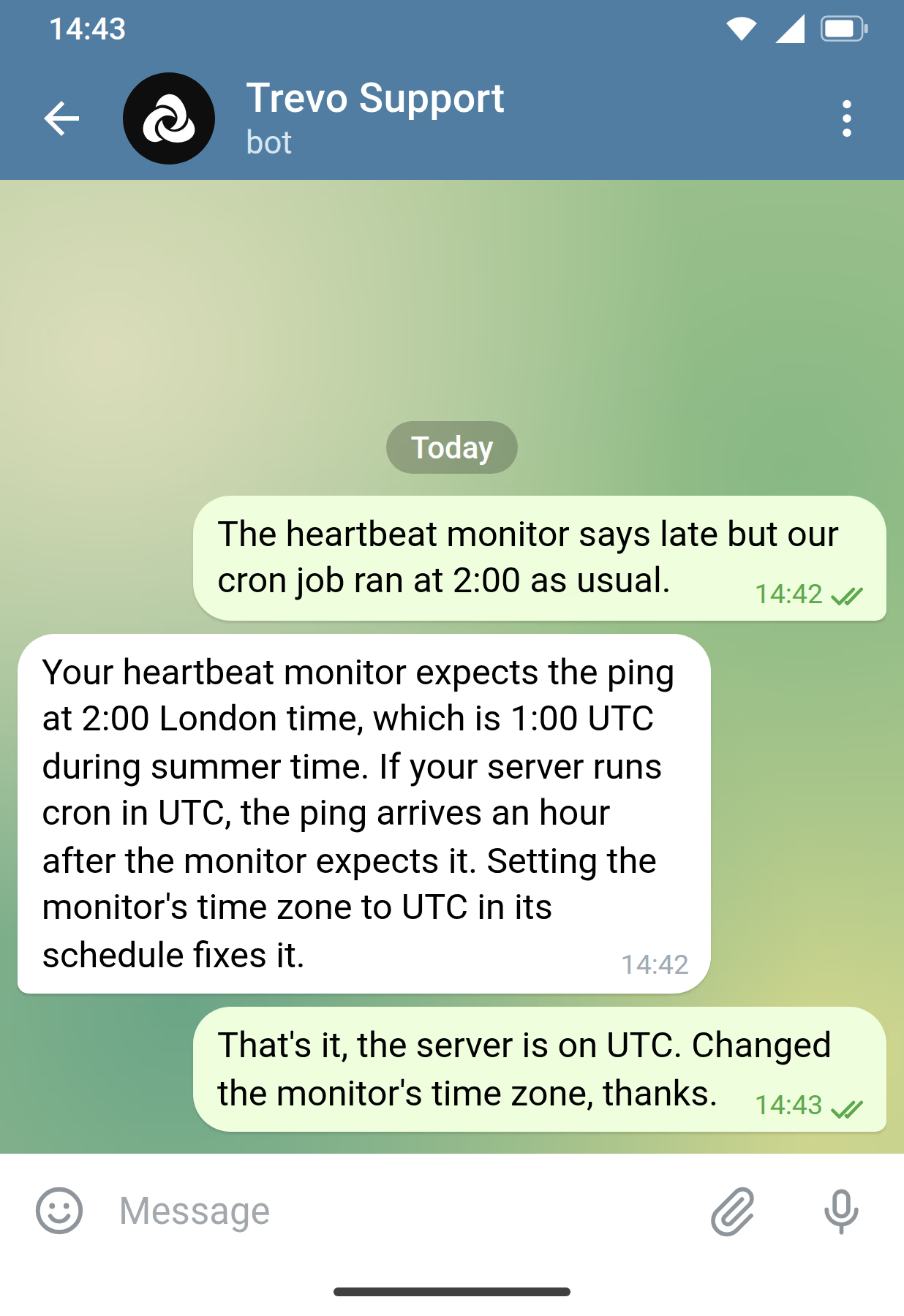
Answer customers in your own Telegram bot
Aiva answers customers in a bot that carries your business’s name. With Telegram Business, Aiva also answers the chats of your own Telegram account.

Discord
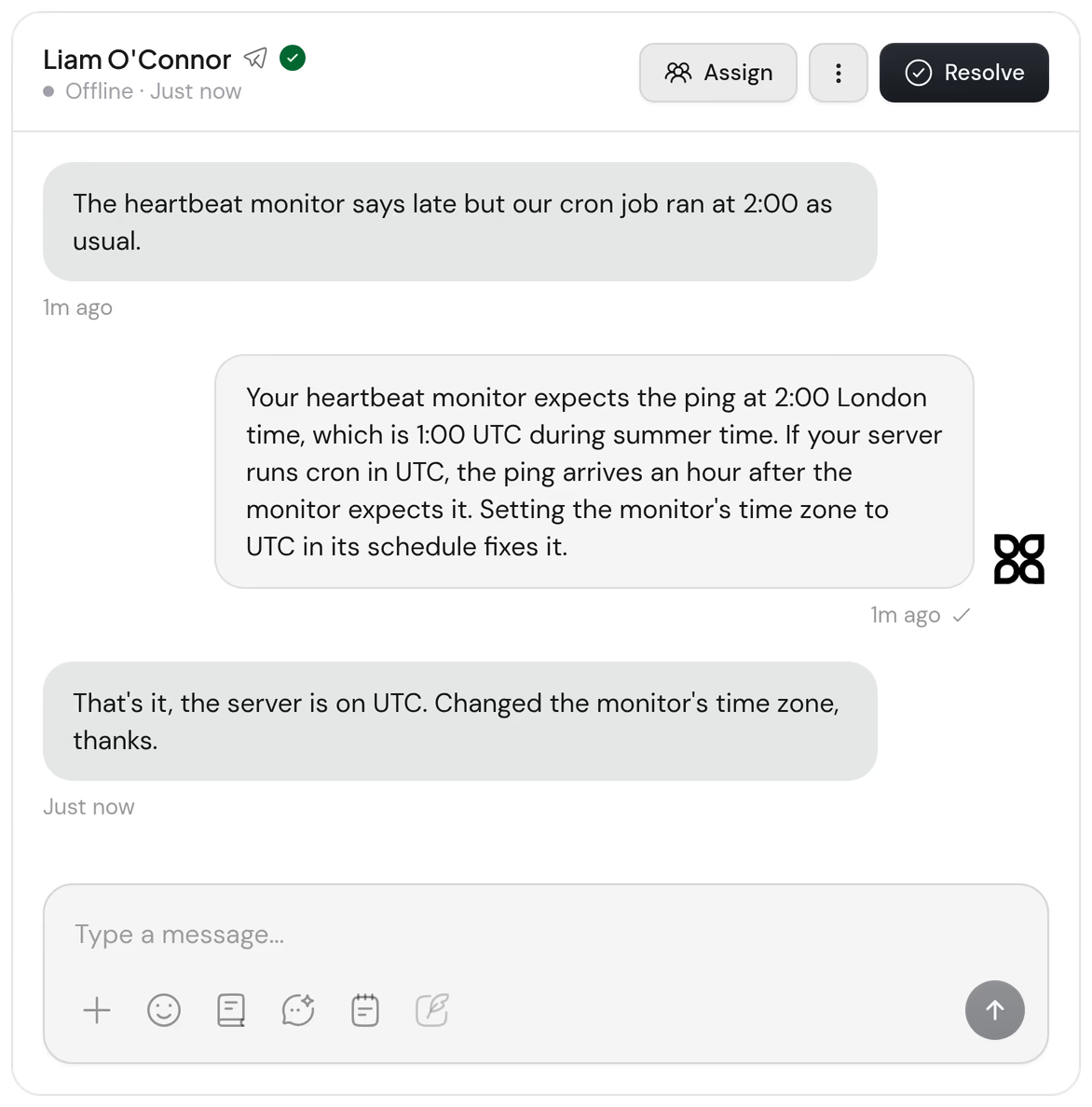
Answer support tickets in your Discord server
Aiva answers each new ticket until a teammate replies, and members can mention Aiva in the channels you choose.


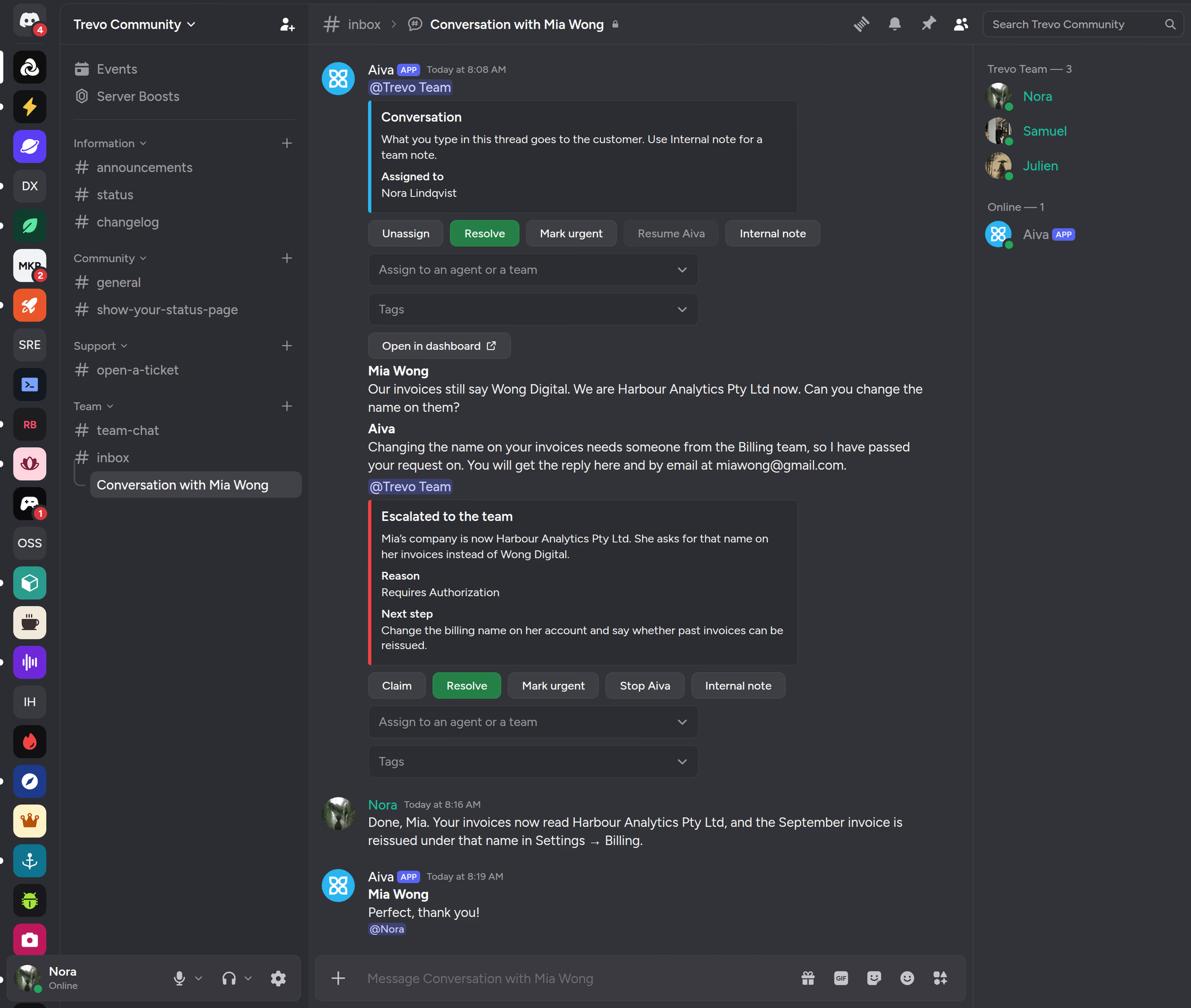
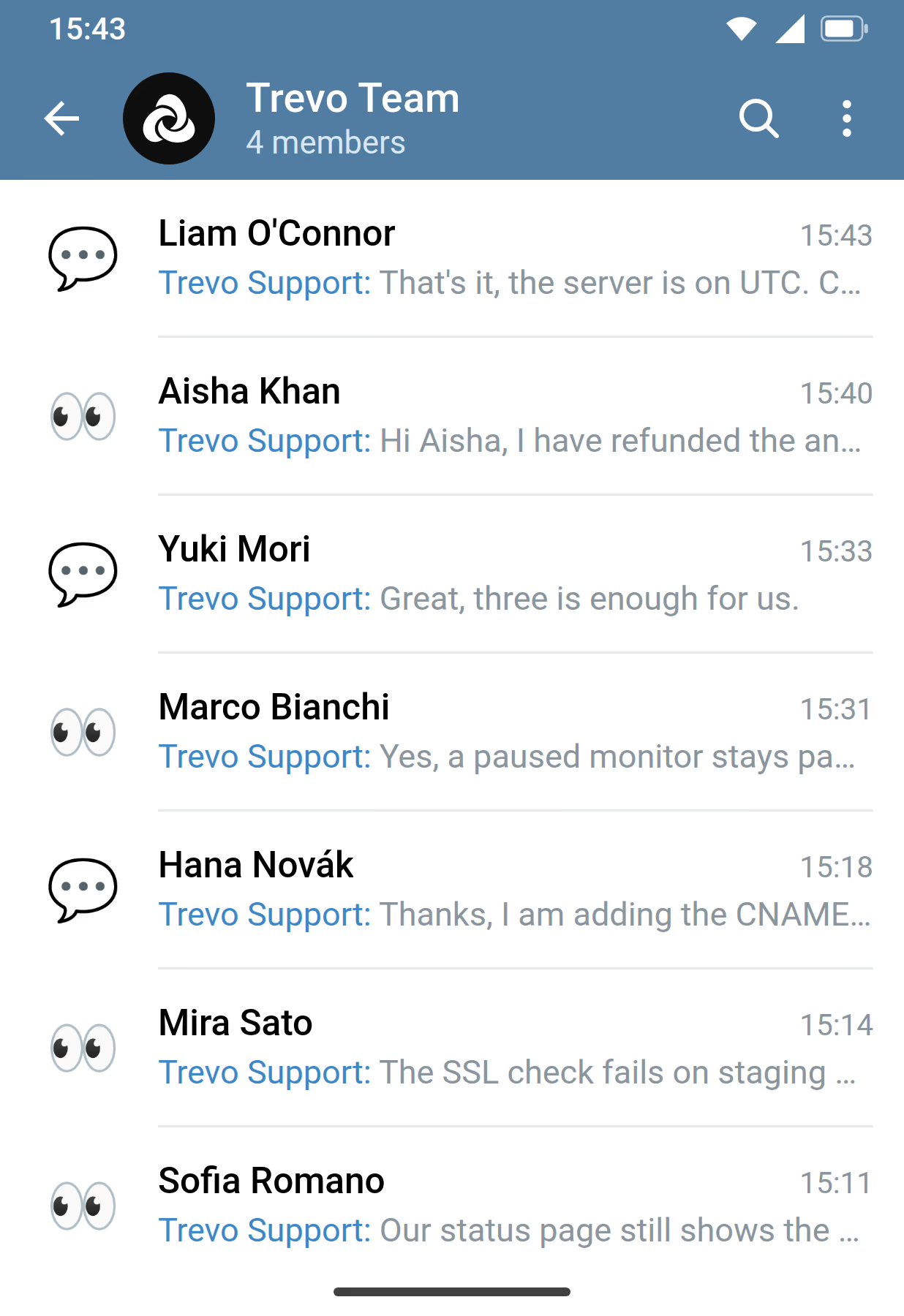
Inbox mirroring
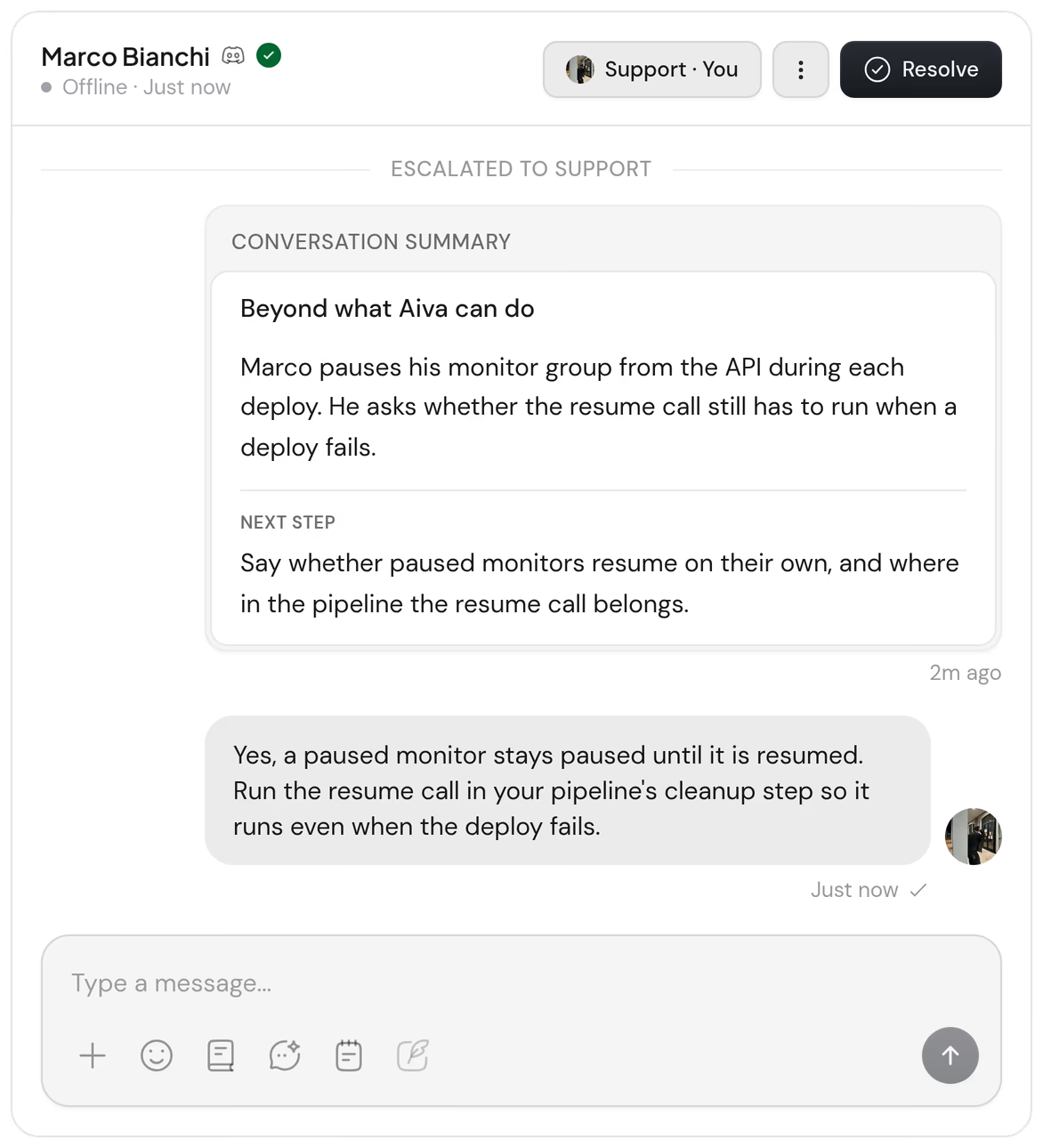
Run your inbox from Discord or Telegram
Each conversation gets a private thread in your Discord server or a topic in your Telegram group, where your team replies and resolves the request. The customer receives each reply on their own channel.

Aiva API
Bring Aiva into your own app
Your app sends customer messages to Assistify and receives the replies from Aiva and your team.
POST https://assistify.chat/api/v1/messages
Authorization: Bearer ak_…

{
  "externalConversationId": "kw-app-8842",
  "externalUserId": "acct_8842",
  "content": "Can I pause every monitor during a deploy?",
  "idempotencyKey": "7c1e2a90-…"
}{
"event": "ai.reply",
"conversationId": "cmg4x2kqp0003lb08w7h1v9zr",
"content": "Yes. Pause the monitor group when the deploy starts…",
"timestamp": "2026-10-01T13:21:12Z"
}What each channel supports
Every channel reaches the same inbox, with routing to your teams and reports per channel.
| Webchat | Telegram | Discord | Aiva API | |
|---|---|---|---|---|
| Inbox mirroring | Not supported | Topics in your team’s group | Private threads in your server | Not supported |
| Greeting when a conversation opens | Supported | Supported | Supported | Not supported |
| Files and images from customers | Supported | Supported | Supported | Not supported |
| Help articles inside the channel | Supported | Not supported | Not supported | Not supported |
| Campaigns | Supported | Not supported | Not supported | Not supported |
| Page the customer is reading | Supported | Not supported | Not supported | Not supported |
| How customers are identified | Email, Discord or your website’s sign-in | Telegram account | Discord account | Your app’s user ID |
Questions about channels
Which channels can I connect?
Webchat on your website and help center, your own Telegram bot, your Discord server, and your own app through the Aiva API.
How do we connect each channel?
Webchat takes one script on your website, or the steps for your platform. For Telegram, you create a bot with BotFather and paste its token in the dashboard. For Discord, you add the Aiva bot to your server and choose the category your tickets open in. For the Aiva API, you request access, then create a key.
Which plans include each channel?
Webchat is on every plan. Discord is on Pro with one server and on Business with any number of servers. Telegram, inbox mirroring and the Aiva API are on Business, the API on request. The plan comparison has the details.
Does Aiva answer the same way on every channel?
Yes. Aiva uses the same knowledge and connected tools on every channel, and a procedure can apply to all channels or to the ones you choose.
Who can reply from Discord or Telegram?
Teammates who link their Discord or Telegram account to Assistify, with the same permissions they have in the dashboard. Being a member of your server or group gives no access to conversations.
What does Telegram Business add?
Aiva also answers the chats customers open with your own Telegram account, and your team sees them in the inbox.
Can Aiva answer outside Discord tickets?
Yes. In the channels you choose, members mention Aiva with a question, and Aiva answers in a thread under it.
Can conversations from one channel go to a specific team?
Yes. A team can hold a website’s Webchat, the Discord server, the Telegram bot or the Aiva API, and handovers from there go to that team.