Aiva and your team answer customers on your website
Customers get answers from Aiva, your AI agent, and from your team in one conversation, on the page they are reading.

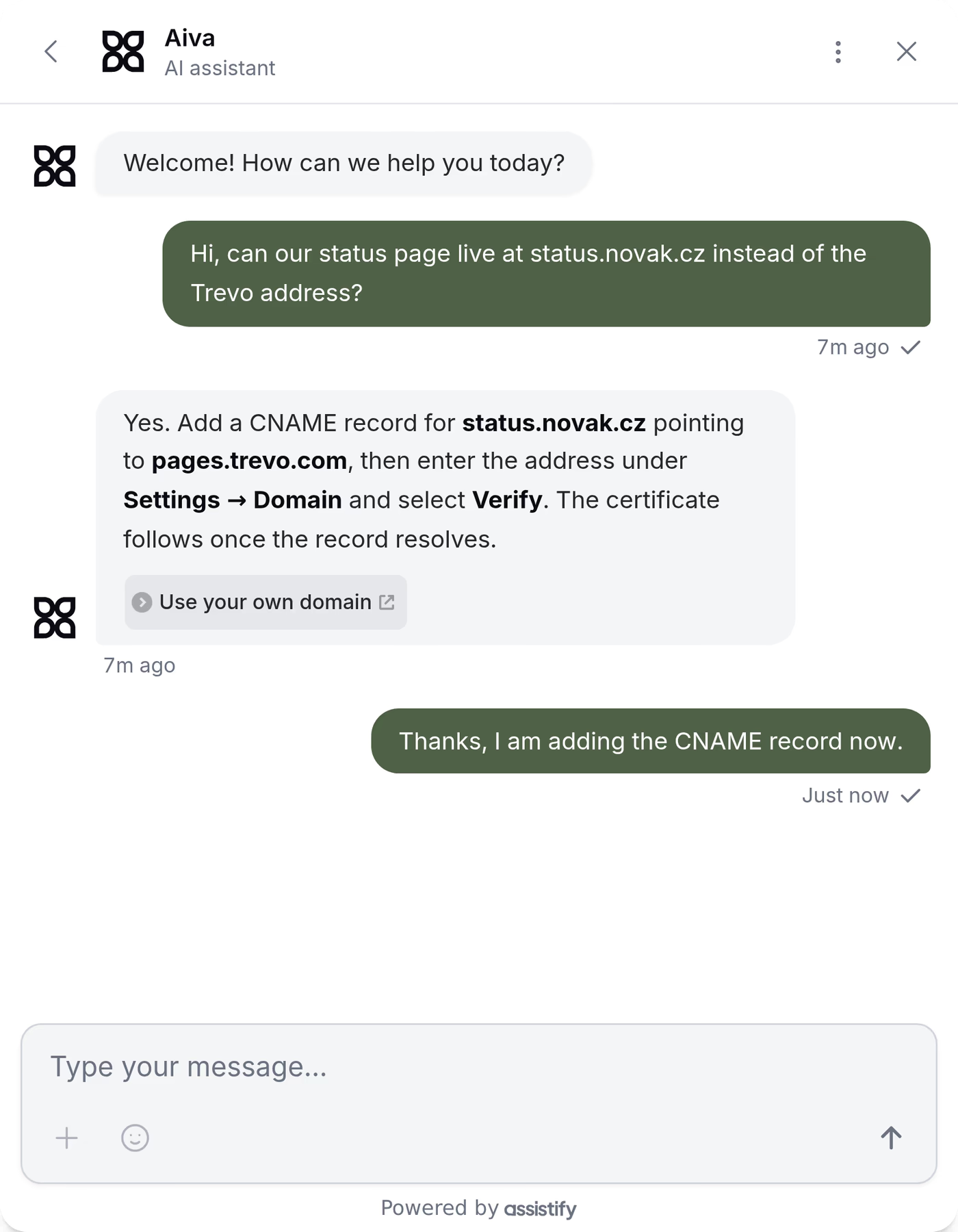
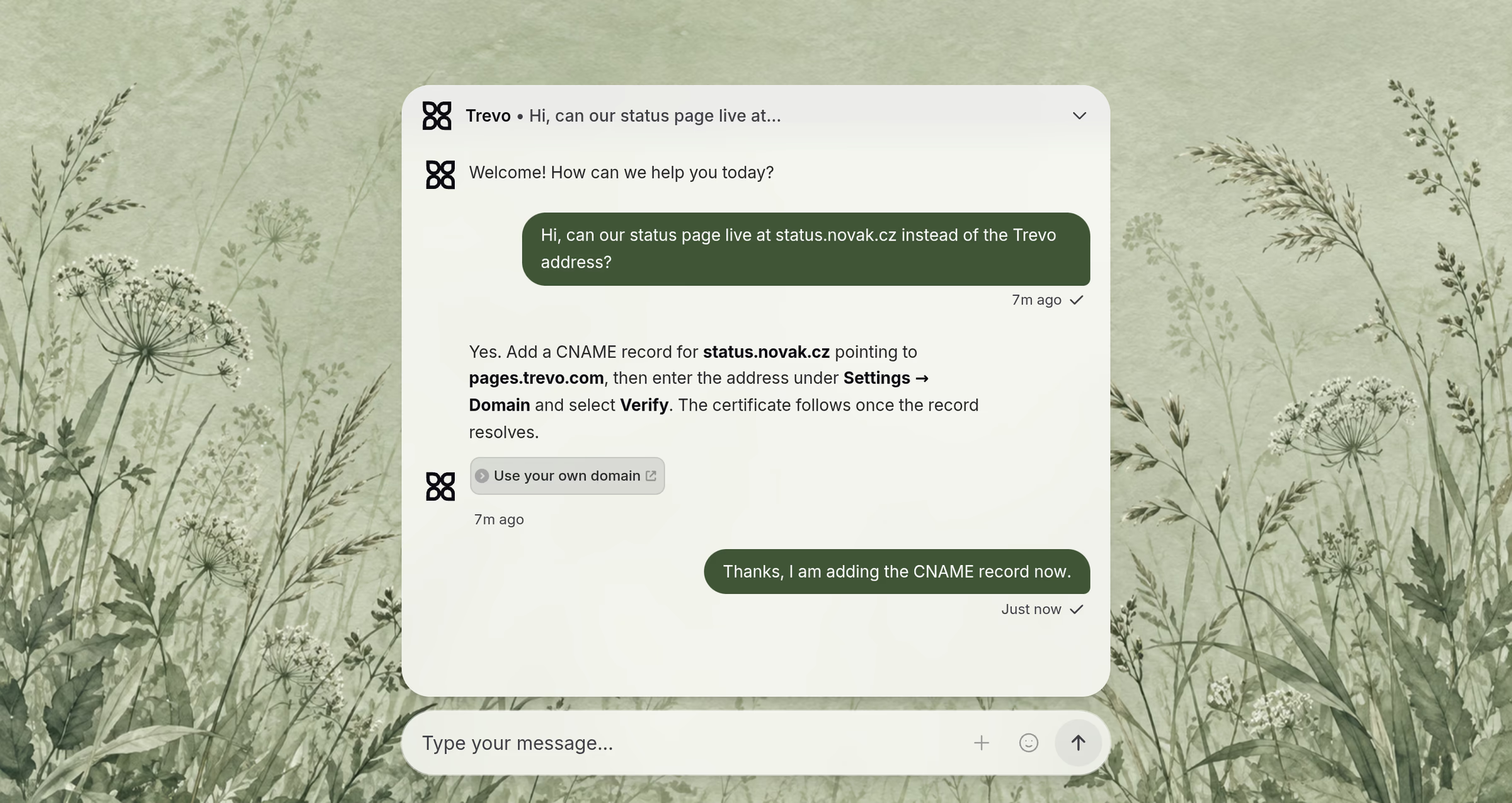
Make Webchat look like part of your website
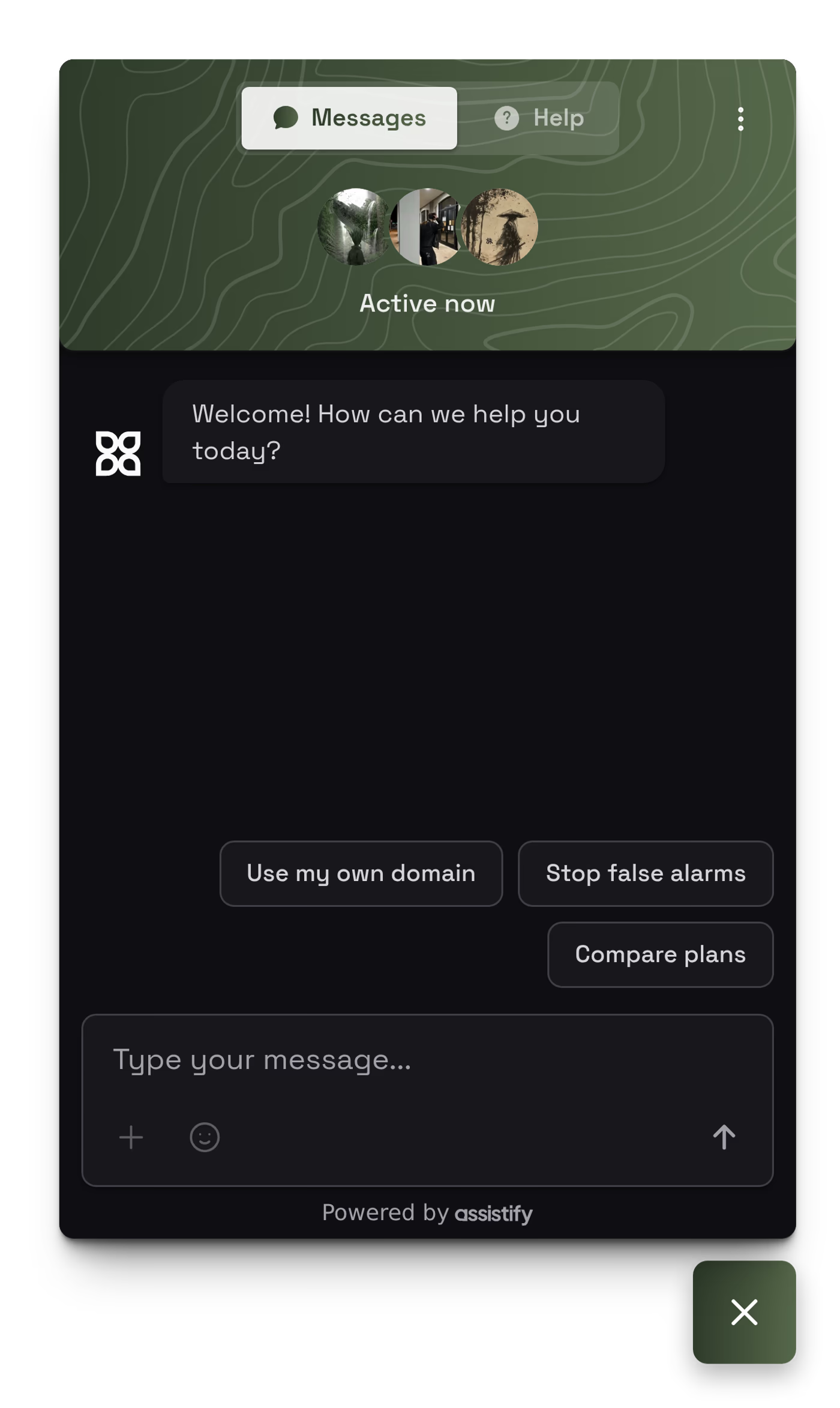
Choose the layout that suits your website and give Webchat your brand’s colors and typeface.

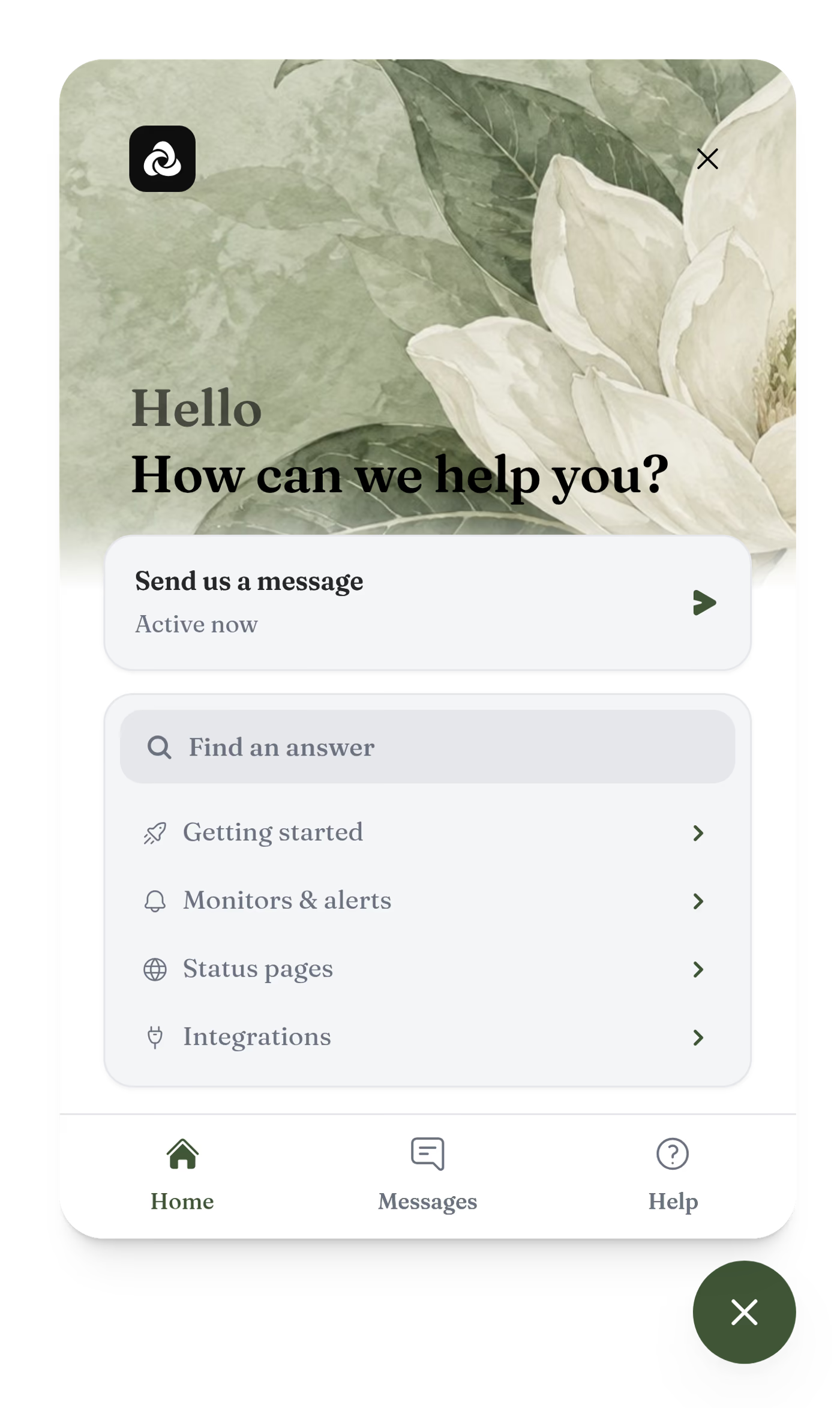





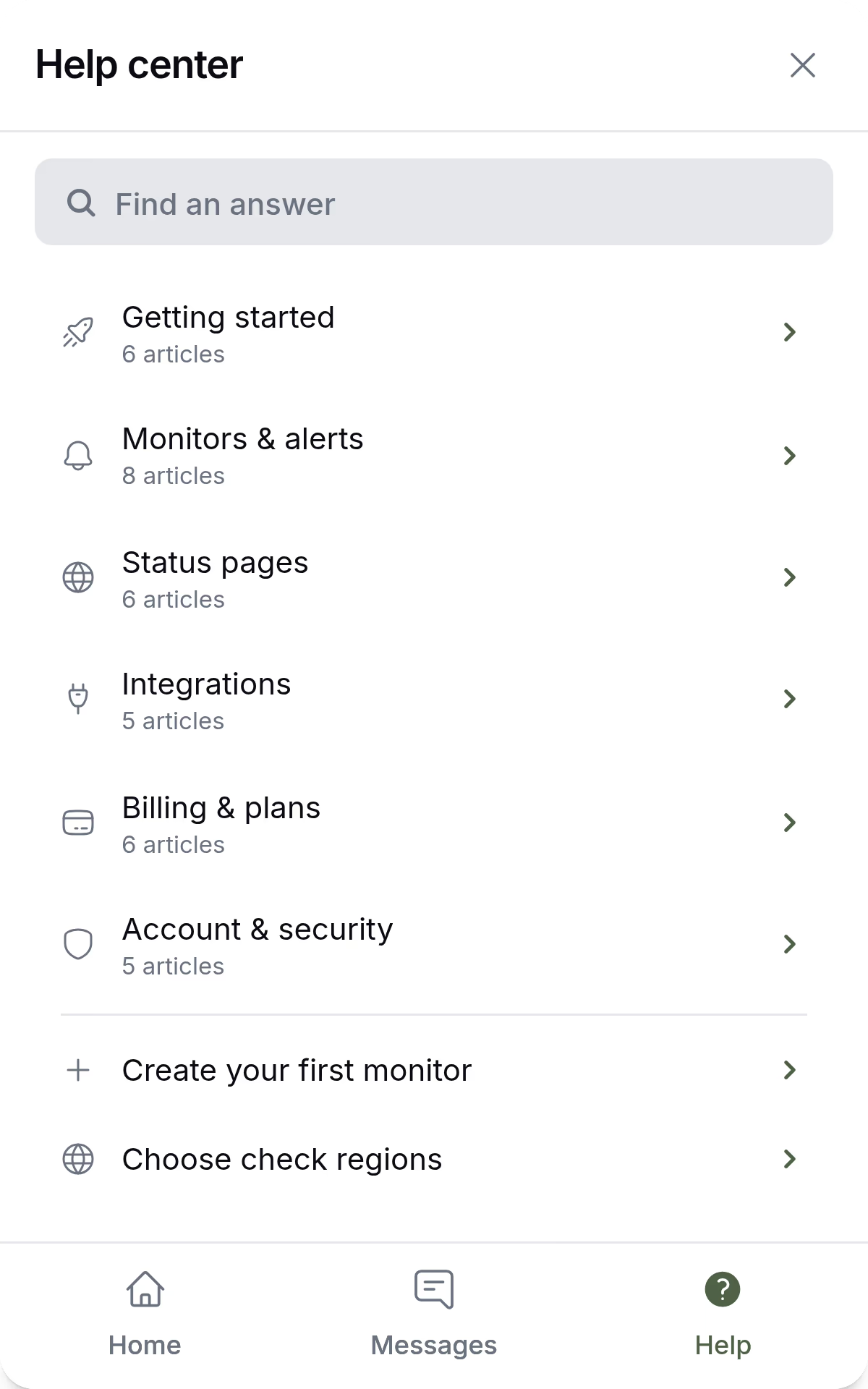
Offer your help articles inside Webchat
Customers search your articles and read the answer without leaving the page.
Your team writes and organizes the articles in the knowledge base. See the knowledge base

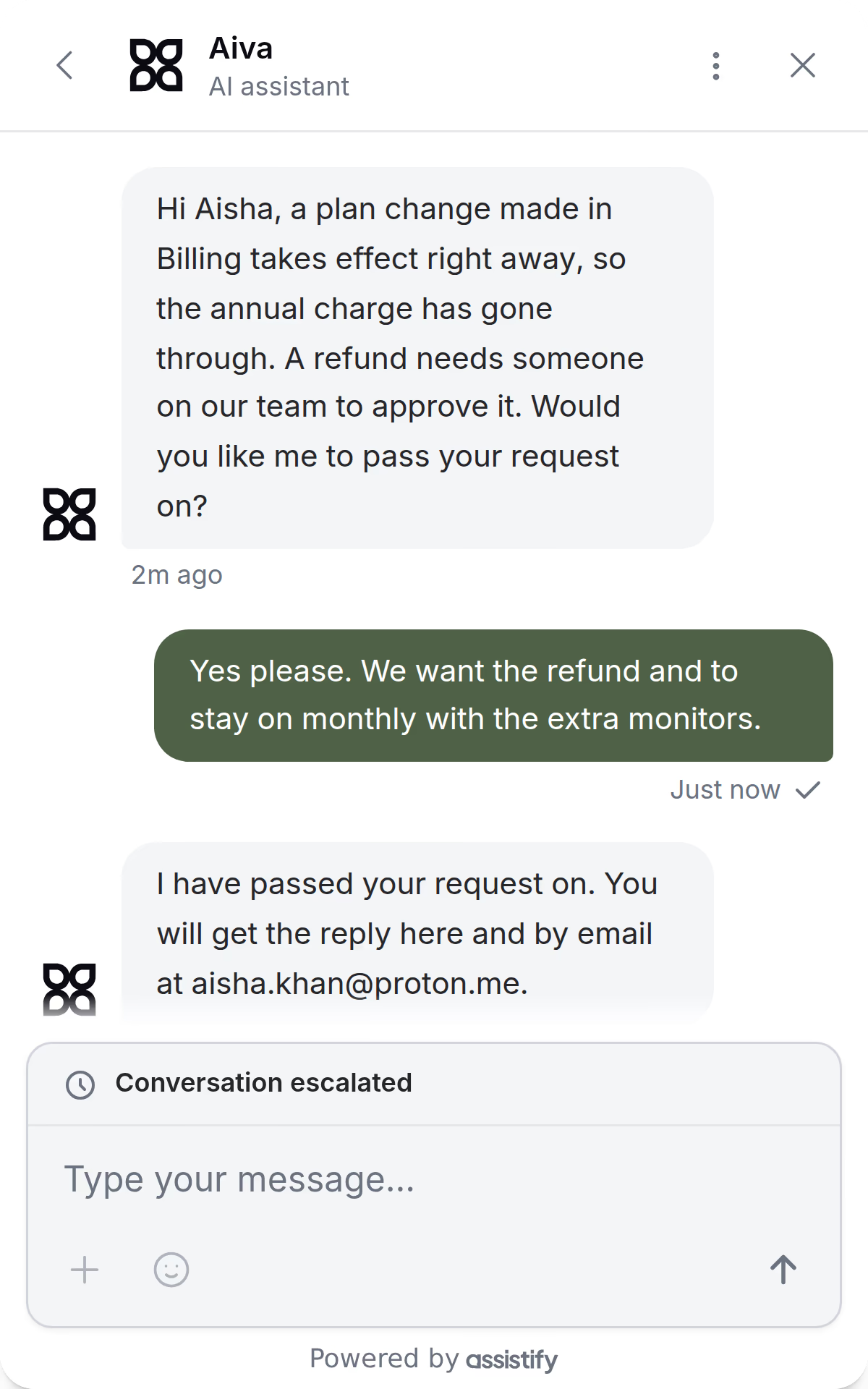
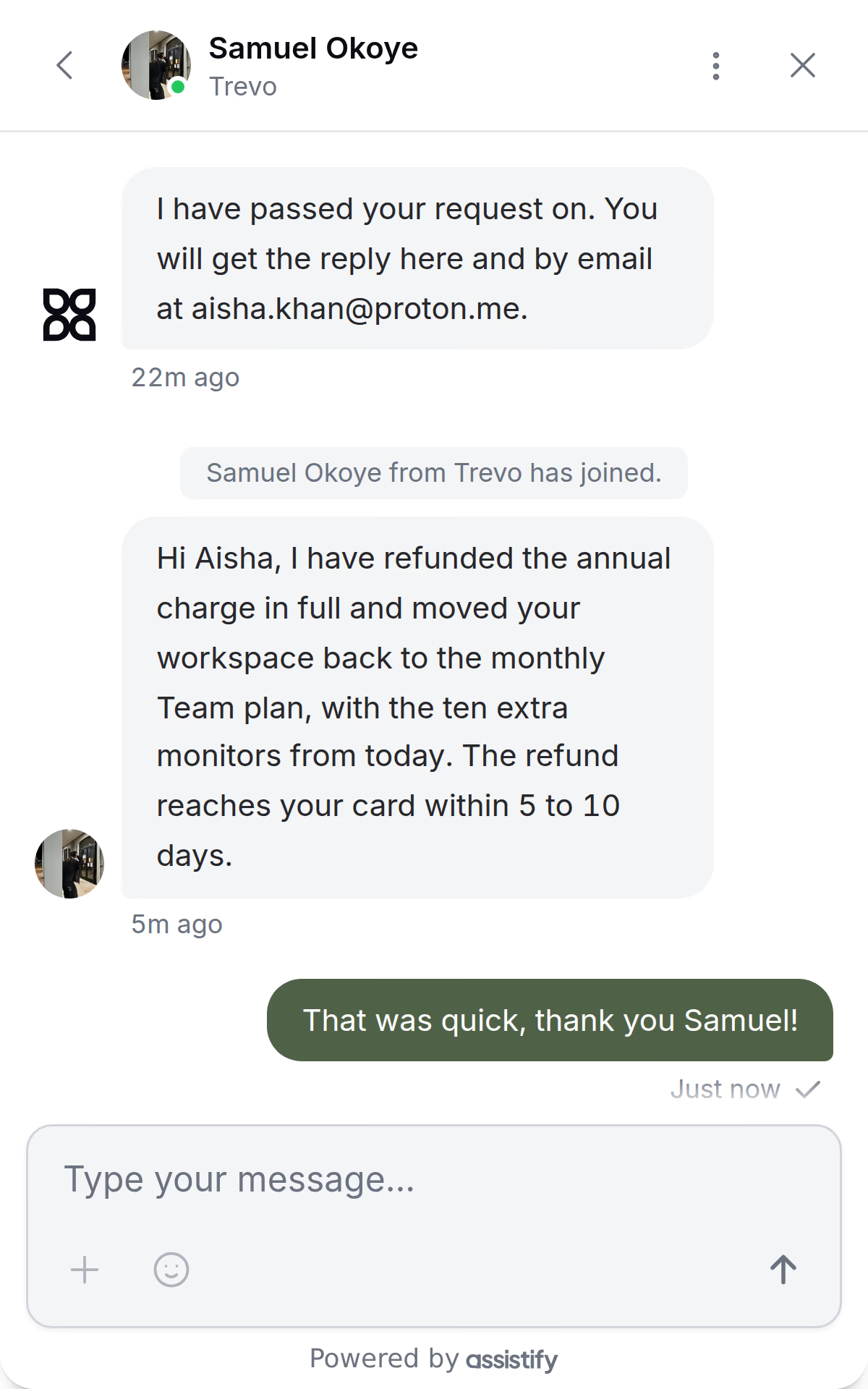
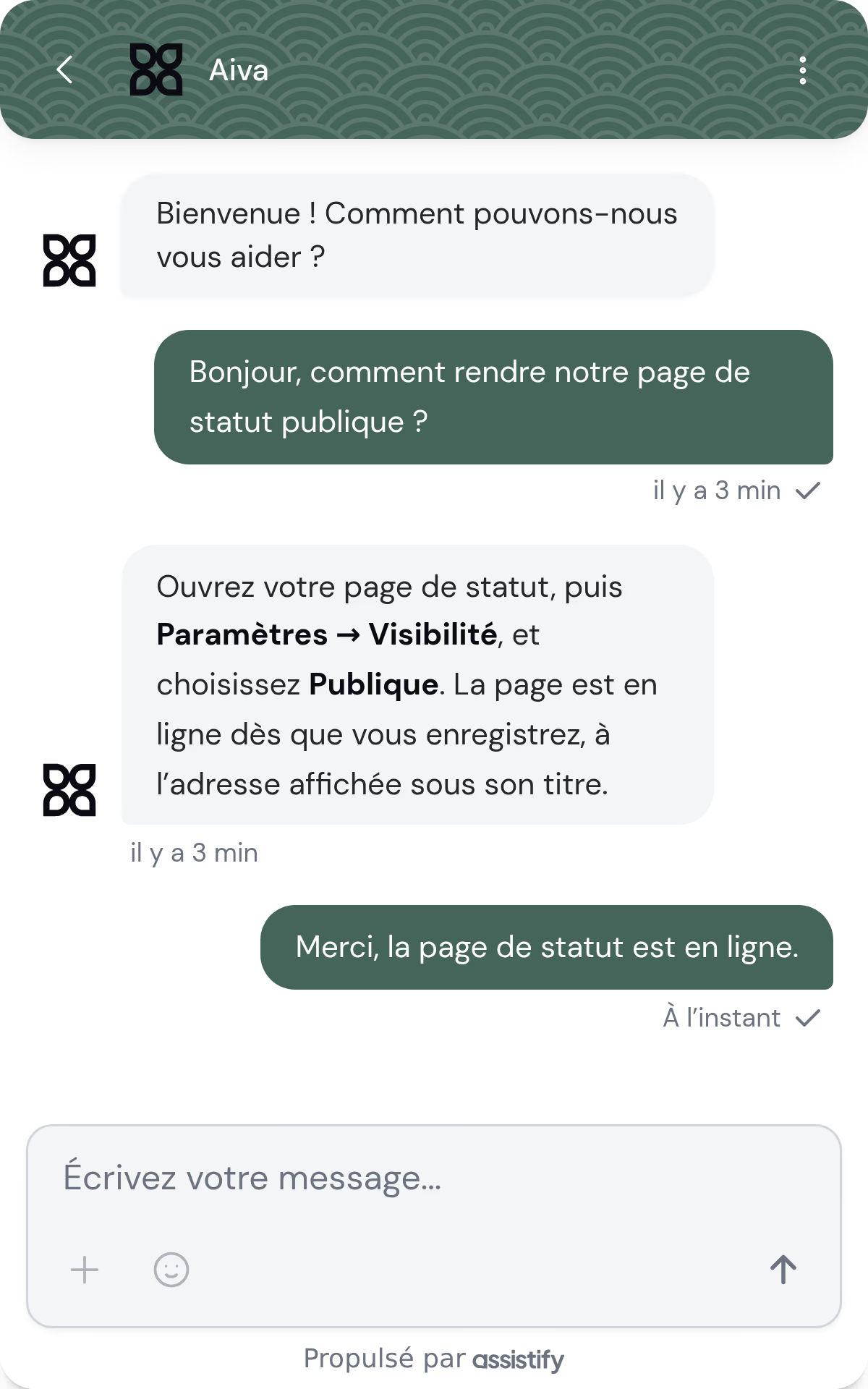
Aiva and your team share one thread
When a teammate takes over from Aiva, the customer keeps the same conversation and its history.
Your team answers from the inbox, starting from Aiva’s briefing. See the inbox
Speak with each customer in their language
Aiva replies in any language a customer uses, and Webchat shows its interface in 27 languages.
Guide visitors with targeted campaigns
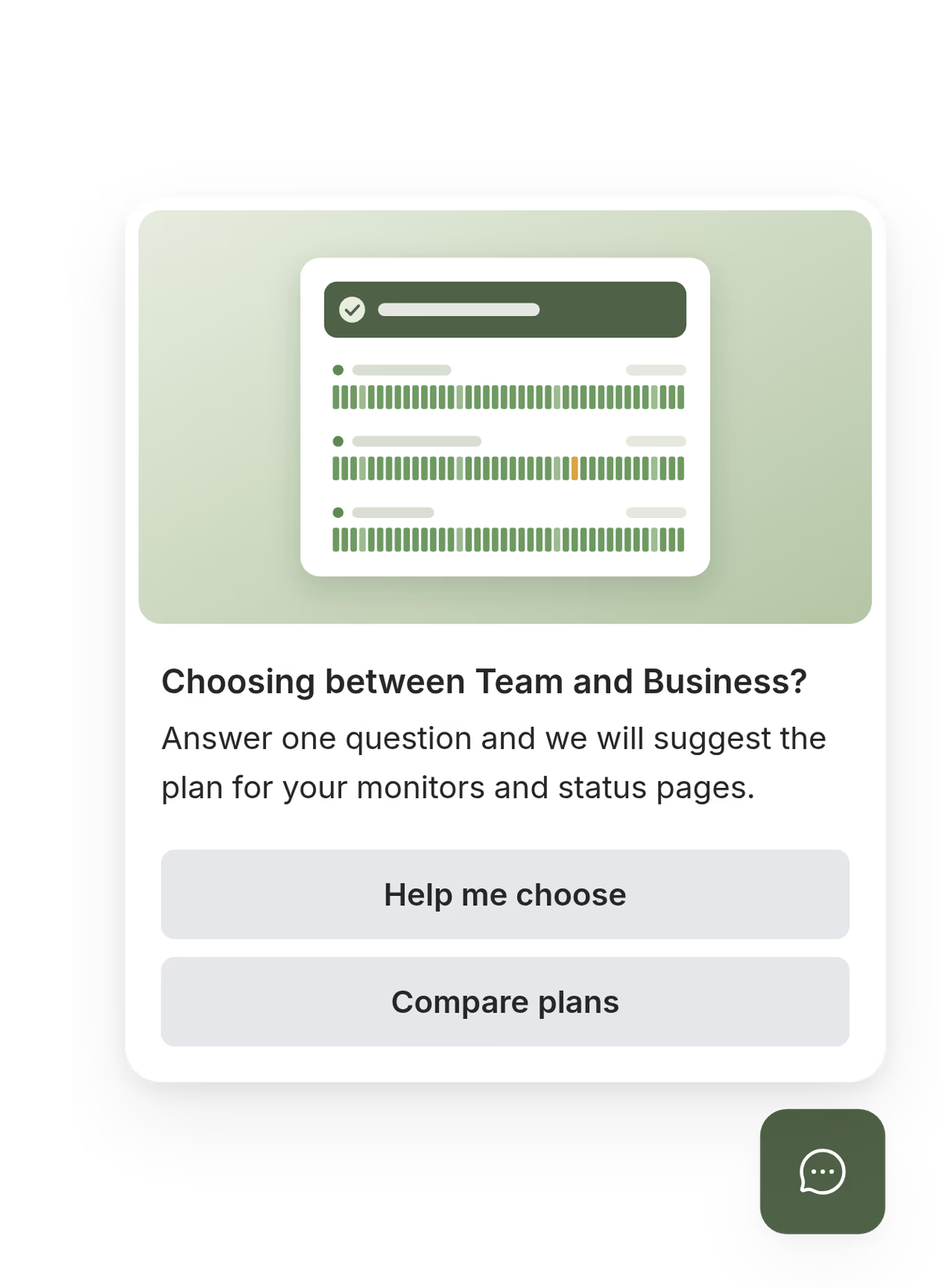
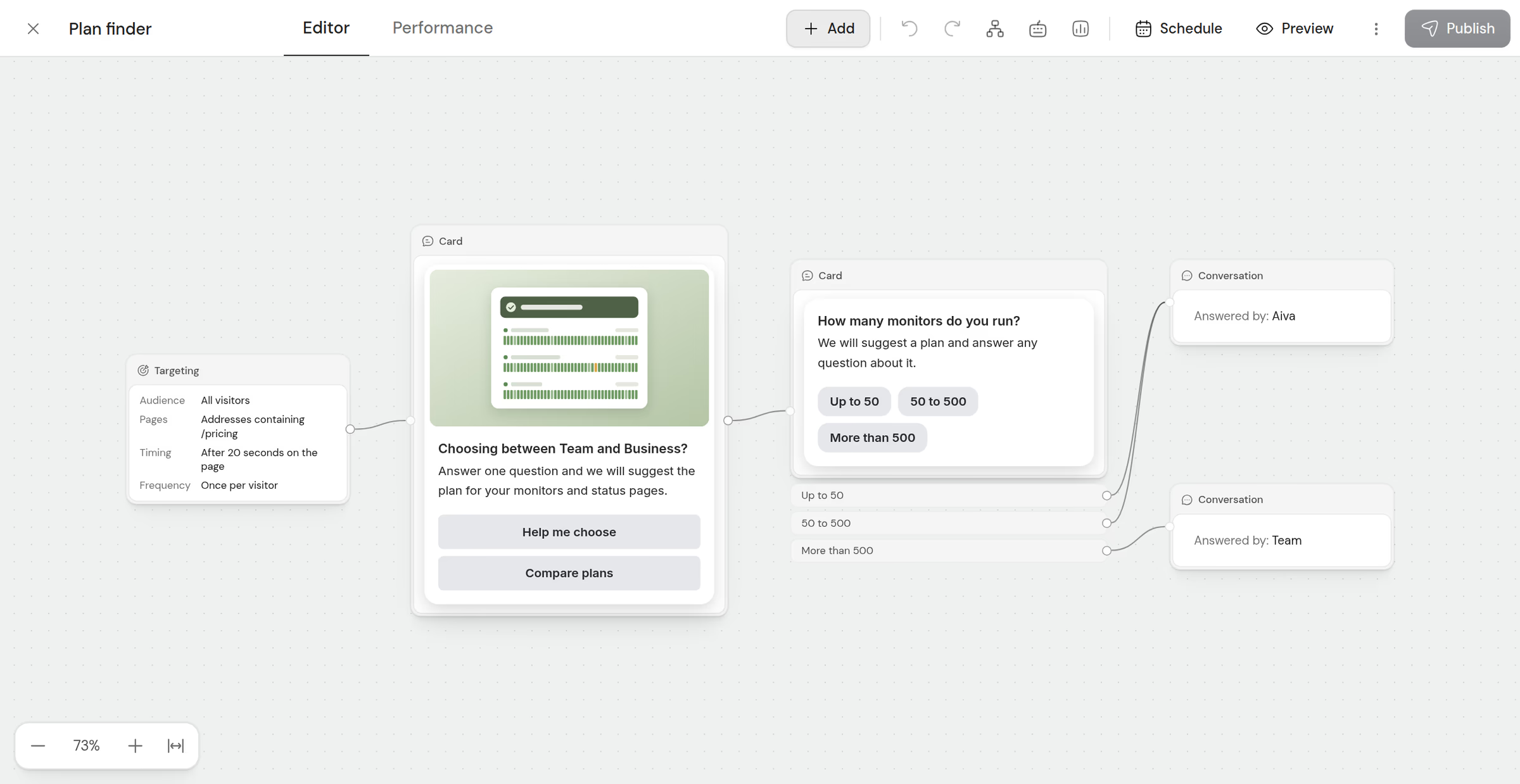
Show cards with pictures and choices to the visitors you target, on the pages and at the moments you choose. When a visitor writes, Aiva and your team see the cards they read and the choices they made.
Add Webchat to your website in minutes
Paste one script and Webchat appears on every page of your website.
- Shopify
- SellAuth
- SellHub
- Sell.app
- Invision Community
- Shoppex
- Komerza
- Any website
Questions about Webchat
Does Webchat work on any website?
Yes. The script works on any website where you can add HTML, Webflow and Squarespace included, and the @assistifychat/widget package mounts Webchat in any app.
Can Webchat run without Aiva?
Yes. With Aiva switched off, Webchat is live chat with your team.
Which languages does Webchat speak?
Webchat’s interface comes in 27 languages and follows each visitor’s browser, and Aiva replies in the customer’s language. With the translation add-on, your team reads and replies in its own language.
How far can we customize Webchat?
Each of the three layouts takes your colors, logo, typeface and corner style, in light or dark, solid or frosted glass.
Can a customer stay signed in?
Yes. Your website passes the signed-in customer to Webchat with a verified identity, and visitors can also identify with their email or their Discord account.
What if the customer leaves before the team replies?
The reply waits in the conversation, and a customer who gave an email address also receives it by email, with a link back to the conversation.
Who sees a campaign?
The visitors and pages you target, at the moment you choose: after a time on the page, a scroll, an exit or an event from your website.
Can we measure a campaign?
Yes. Each campaign shows how many visitors saw it, acted on it and reached your goal.
Other channels
Telegram, Discord and the Aiva API reach the same inbox as Webchat.